
Connectors
Read the work and the money where they already live.
Connect the systems your company already runs on. Each connection is started by someone with the authority to grant it, reads only what is listed here, and can be disconnected at any time.
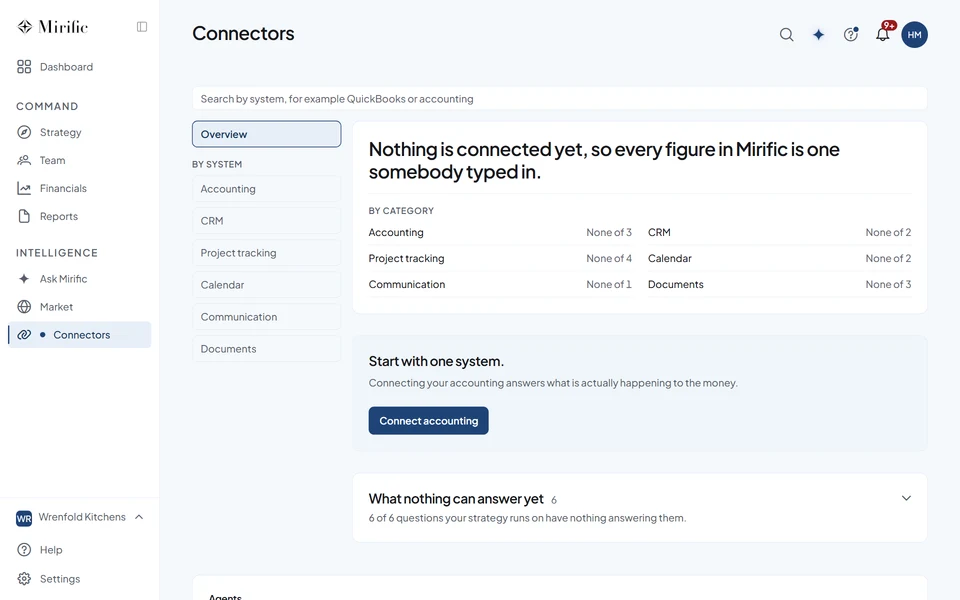
What Mirific reads from each system
Accounting
Where your books live.
What is actually happening to the money?
- QuickBooks
- Profit and loss totals and account balances, plus customer names for the Market lens. No transactions, no invoices, no balances per customer, no payroll detail.
- Xero
- Profit and loss totals and account balances, the same figures Mirific reads from QuickBooks, plus customer names for the Market lens. One organisation per workspace: Xero asks which one when you connect, and Mirific names the one it is reading. No invoices, no bank transactions, no balances per customer.
- Stripe
- How much has been charged in the last twelve months as one total, and your recurring revenue with what was added and what was lost. Counts and totals only: no customer records, no individual payments, no card details, and nothing that can move money. Because charged money is not the same as revenue you have recognised, Mirific treats that total as an estimate and shows it beside your own figure rather than replacing it. One thing to know before you connect: Mirific installs as a Stripe app that Stripe has not yet reviewed, so you are trusting us directly rather than Stripe having checked us first.
CRM
Where deals are worked.
Is the pipeline consistent with the revenue plan?
- HubSpot
- How many deals sit at each stage of your pipeline and what they are worth, as totals, plus company names for the Market lens, proposed one at a time for you to accept. Mirific never sees an individual deal, a contact or an email. The permission it asks for covers deals, your pipeline settings and companies, and nothing else.
- Salesforce
- How many opportunities sit at each stage and what they are worth, as totals grouped inside Salesforce before anything leaves it, plus account names for the Market lens, proposed one at a time for you to accept. Mirific never sees an individual opportunity or a contact. Salesforce does not offer a permission limited to one object, so if you want that boundary enforced on your side, connect it as a user whose profile can read Opportunity and Account and nothing else.
Project management
Where the work is tracked.
Is the work moving at the pace the plan assumes?
- Asana
- Task names, due dates and completion, so pace can be read from the work rather than reported.
- Jira
- Issue summaries, statuses and transition dates, so pace can be read from the work rather than reported.
- Linear
- Issue titles, states and the dates they moved, so a slip is visible when it happens.
- GitHub
- Issue and pull request titles, whether they are open, merged or closed, and the dates they moved. Never the contents of a file, a commit or a code review. Mirific reaches only the repositories you select when you install it, and cannot see any others.
Calendar
Where the leadership group spends its week.
- Google Calendar
- When meetings are booked and for how long, as numbers. The permission Mirific asks for returns busy times only, so it cannot see a meeting title, an agenda, a location, or who was invited, whatever Mirific does with it.
- Outlook Calendar
- When meetings are booked and for how long, as numbers. Mirific never reads a meeting title, an agenda, a location, or who was invited. Microsoft does not offer a permission that covers only free and busy time, so the connection is able to see more than that and Mirific does not look. Google Calendar is the stricter of the two if you have the choice.
Communication
Where the conversation happens.
- Slack
- How many messages were sent in a channel and how recently, nothing else. Mirific never reads the text of a message, and never sees direct messages or private channels. Once connected, Mirific can also send each person the notifications they have chosen to receive, as a direct message. It posts nothing to channels.
The same four rules for every connection.
-
You start it
A connection is always started by someone in your organization with the authority to grant it.
-
The narrowest permission
Mirific asks for the narrowest permission each provider offers, and where a provider's permission reaches further, Mirific says so before you connect.
-
Labelled where it lands
Every figure and piece of evidence read from a system carries its source and the date it was read.
-
Yours to end
Disconnect at any time. Mirific stops reading, and the connection's credentials are cleared.
The Privacy Policy sets out what each connection reads and does not read. Read the Privacy Policy.
Connect what you run. Keep what you own.
We can walk through what each connection would read in your company, before anything is connected.